Blank map of Brunei
The outline, free as a PNG, SVG or PDF. Label it, colour it in or drop it into a slide.
Using a blank map of Brunei
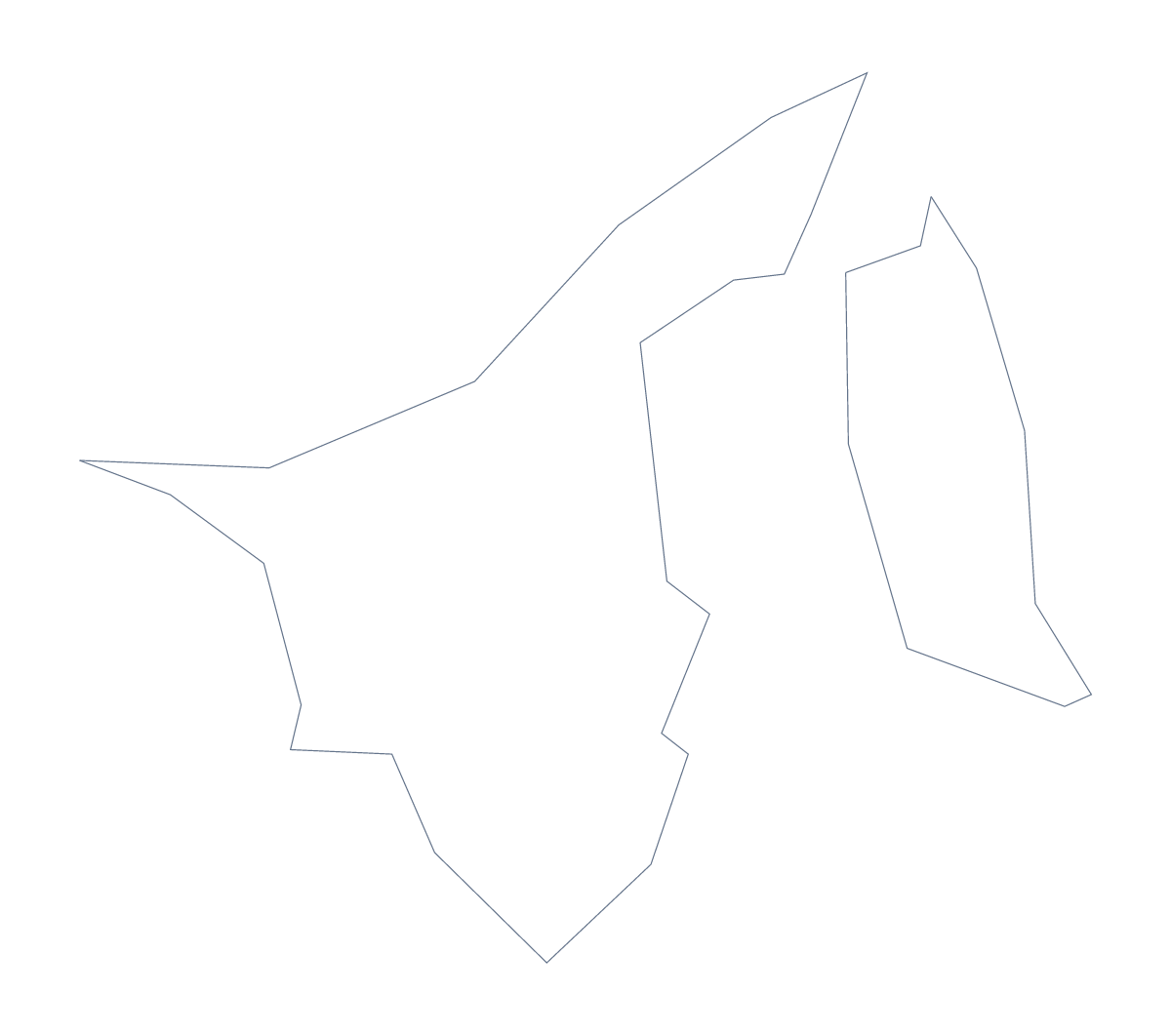
The outline of Brunei is small and simple, which makes it a good shape to reuse: on a slide, a cover, a badge or a worksheet. This page has Outline only, the shape alone, and With borders, which draws the 4 administrative areas. Each comes as a PNG on a transparent background, an SVG and a PDF.
As a graphic
For anything decorative, the SVG is the file to pick. In Illustrator, Inkscape or Figma the shape is a few clean paths: fill it with a brand colour, add a drop shadow, repeat it in a pattern or cut it from card on a craft cutter. Because the lines are vectors, the same file works for a small icon and a banner.
As a worksheet
With borders gives you four shapes and no names. A first quiz needs only a numbered corner: one to four on the areas, and pupils write Belait, Brunei-Muara, Temburong and Tutong against the numbers. The list below this page is the answer sheet.
Slides
The PNG's transparent background means the colour behind it shows through, so on a navy title slide only the outline appears. Because Brunei is small, give it plenty of slide space and put a number or a short label alongside.
Choosing
Pick Outline only for icons and silhouettes. Pick With borders, the political blank map of Brunei, when the four areas matter. Names, pins or colours belong in the editor, through Customise this map. For printing choices, the printable map of Brunei is the place.
How to do it in MapMaker
- Choose Outline only for the shape of Brunei, or With borders for its 4 areas.
- Download the PNG for a slide, the SVG for a design tool or the PDF for A4 or Letter.
- Place the file on your page and number the areas if you are setting a quiz.
- Check the answers against the list of areas further down.
- For names or colours on the map itself, choose Customise this map.
The 4 administrative areas on the map
A key for labelling the map by hand.
- Belait
- Brunei-Muara
- Temburong
- Tutong
Facts about Brunei
Brunei is in South-Eastern Asia. The capital is Bandar Seri Begawan. The population is about 430,000 (2019 estimate). Brunei has an area of about 5,740 km². It borders Malaysia. The map divides it into 4 administrative areas.
Maps of neighbouring places
Questions people ask
Is there a political blank map of Brunei?
Yes: it is the With borders version, which draws its 4 administrative areas and leaves them unnamed. Belait, Brunei-Muara, Temburong and Tutong are listed further down this page as the key.
Can I make the outline bigger without it going blurry?
Yes. The SVG and the PDF are vector files, so Brunei can be scaled from an icon to a poster without the lines softening. The PNG is best used at about the size it comes.
Can I open the SVG in Illustrator, Inkscape or Figma?
Yes. It is a standard SVG, so all three open it, and you can recolour the shapes, change the line weight or trace over it.
Which file should I use in a worksheet, a slide or a design?
Use the PNG in a worksheet or slide, since its transparent background takes the page colour. Use the SVG for design work, and the PDF to print the outline on A4 or Letter.